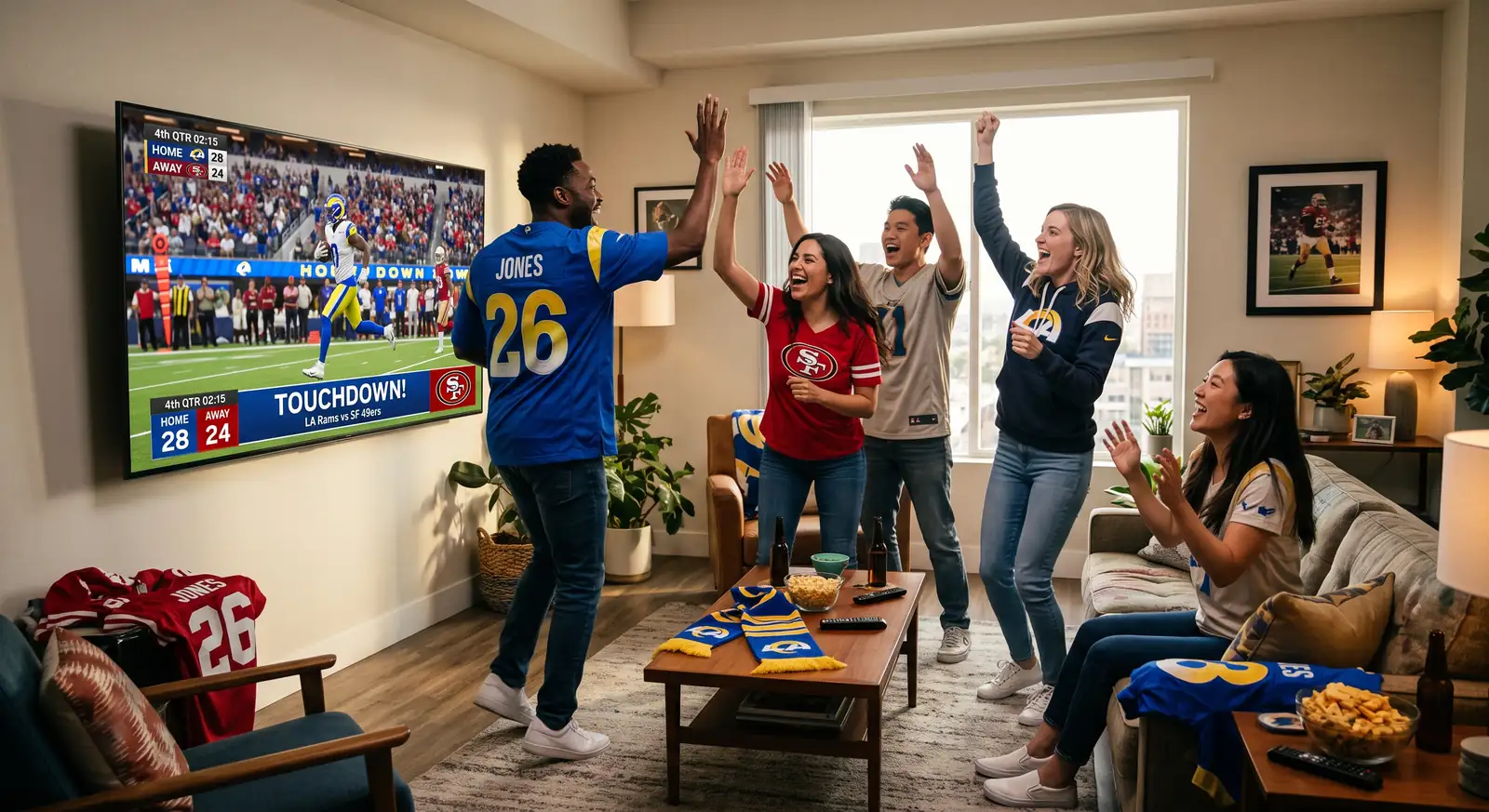
Watch Every Game with Friends, Family and Fellow Fans!

Lounge Engine matches your live web video streams into shared social digital backrooms. Sync playback tracking down to the millisecond, jump into live game chats, and meet other fans.

Become a Streamer!

Extension Setup Guide

Sideload the Lounge Sync Extension to start hosting and enjoying synchronized watch parties.

Production Version 1.1.0

Install the Mobile Version

*Sync not available with mobile version yet!


Download Lounge Sync Extension (for Chrome)

This production-ready release is locked directly to our secure render environment. No configuration options are exposed, keeping your viewing experience completely hands-free.

📥 Download Production ZIP

🛠️ How to Install (Sideload Instructions)

Since this extension is optimized for private production use, you can sideload it directly into your Chromium browser (Chrome, Edge, Brave, Opera) by following these simple steps:

  1. Download the Extension: Click the button above to download the lounge_sync_extension_prod.zip bundle.
  2. Extract the ZIP File: Locate the downloaded ZIP file on your computer and extract its contents to a folder. We suggest naming it lounge-extension-prod.
  3. Open Browser Extensions: In your browser, open a new tab and navigate to:
    • For Google Chrome: chrome://extensions/
    • For Microsoft Edge: edge://extensions/
  4. Enable Developer Mode: Locate the Developer mode toggle switch (usually in the upper-right corner of the Extensions page) and turn it ON.
  5. Load the Unpacked Folder: Click the Load unpacked button (usually found in the top-left area).
  6. Select Folder: Navigate to and select the folder where you extracted the extension files (the folder containing manifest.json). Click Select Folder.
  7. Pin the Extension: Pin the extension to your browsers toolbar for easy access! Click the puzzle piece icon in the top-right corner of the Chrome toolbar, locate the extension in the drop-down menu, and click the pin icon next to it.

🎉 Success! The Lounge Sync Extension is now installed and active. You can verify it by looking for the 🍻 icon in your extension dashboard list.

📺 How to Use

We want the best experience possible for our users therefore all streams will be from their official sites. We DO NOT support any illegal streaming sources!

💡 Recommended TV & Companion Use Case Scenario

Lounge Engine is optimized for the ultimate living room big-screen experience:

🛡️ FAQ: Chrome Site Permissions & Privacy-First Security

🔒 Privacy-First Guarantee: Lounge Sync is only active on streaming networks you join; zero user data is ever stored or tracked. We only monitor active video playheads to keep watch parties synchronized in real time.

📺 Real-Time Synchronization

Our extension elements lock directly into host video elements, matching timelines automatically so no one deals with delayed broadcast spoilers.

🍻 Meet Fans & Hang Out

Chat rooms, account customizations, custom unlocked theme colors, and tipping platforms are completely integrated right alongside the streaming field layout.

⚙️ White-Label Architecture

Built using root variable properties. Perfect for simple reconfiguration, style overrides, and regional re-branding setups via remote backend options panels.